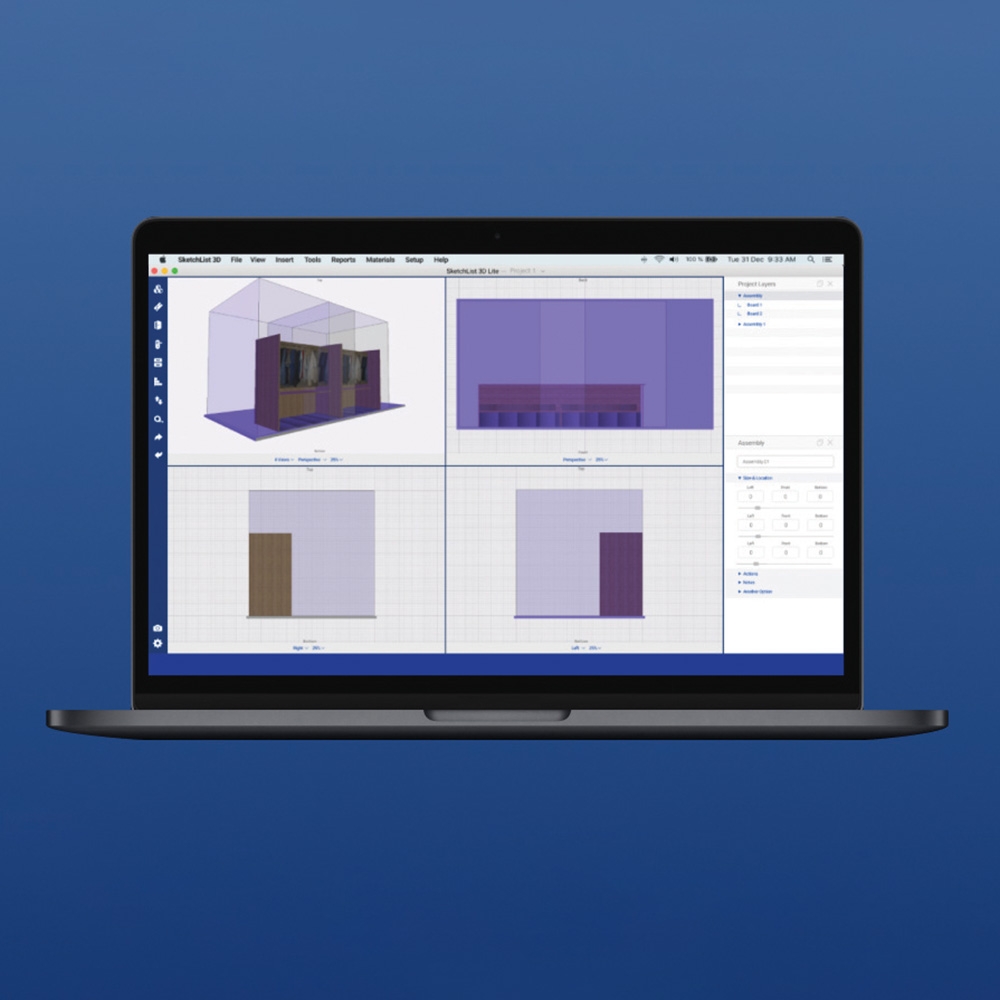
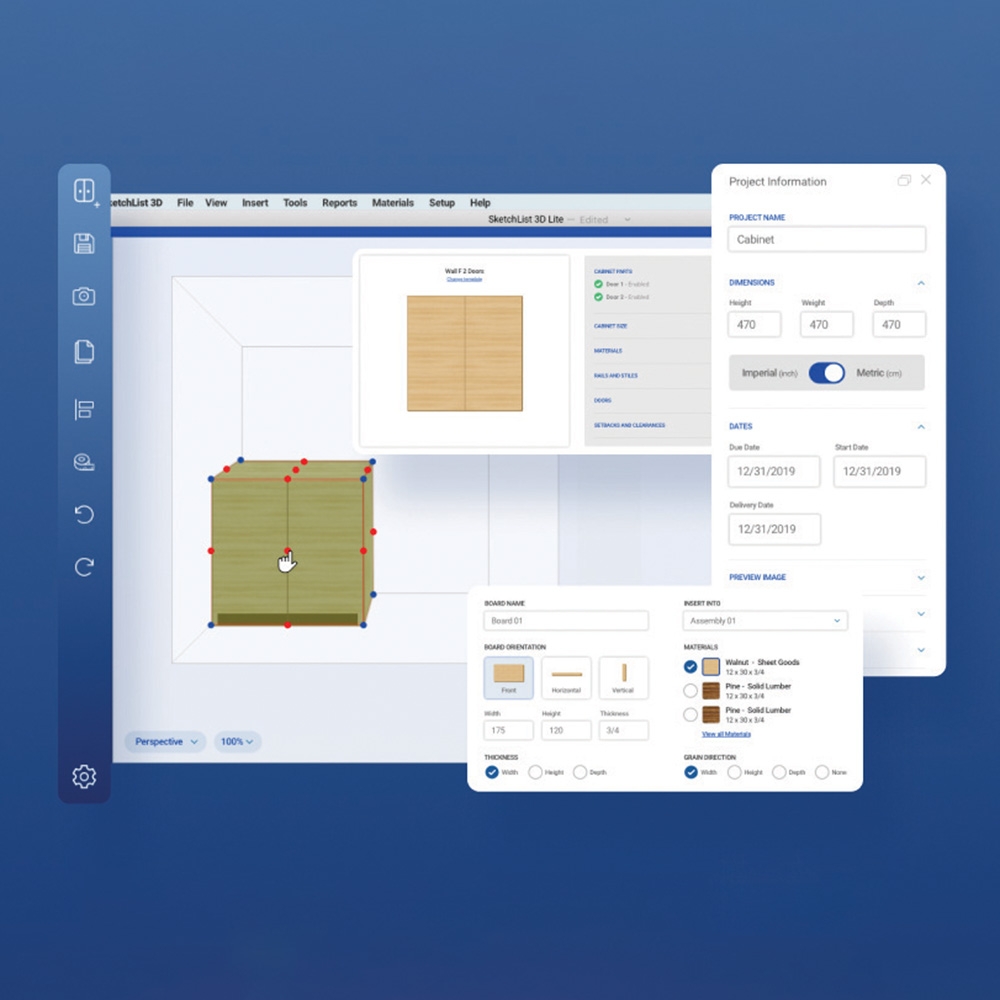
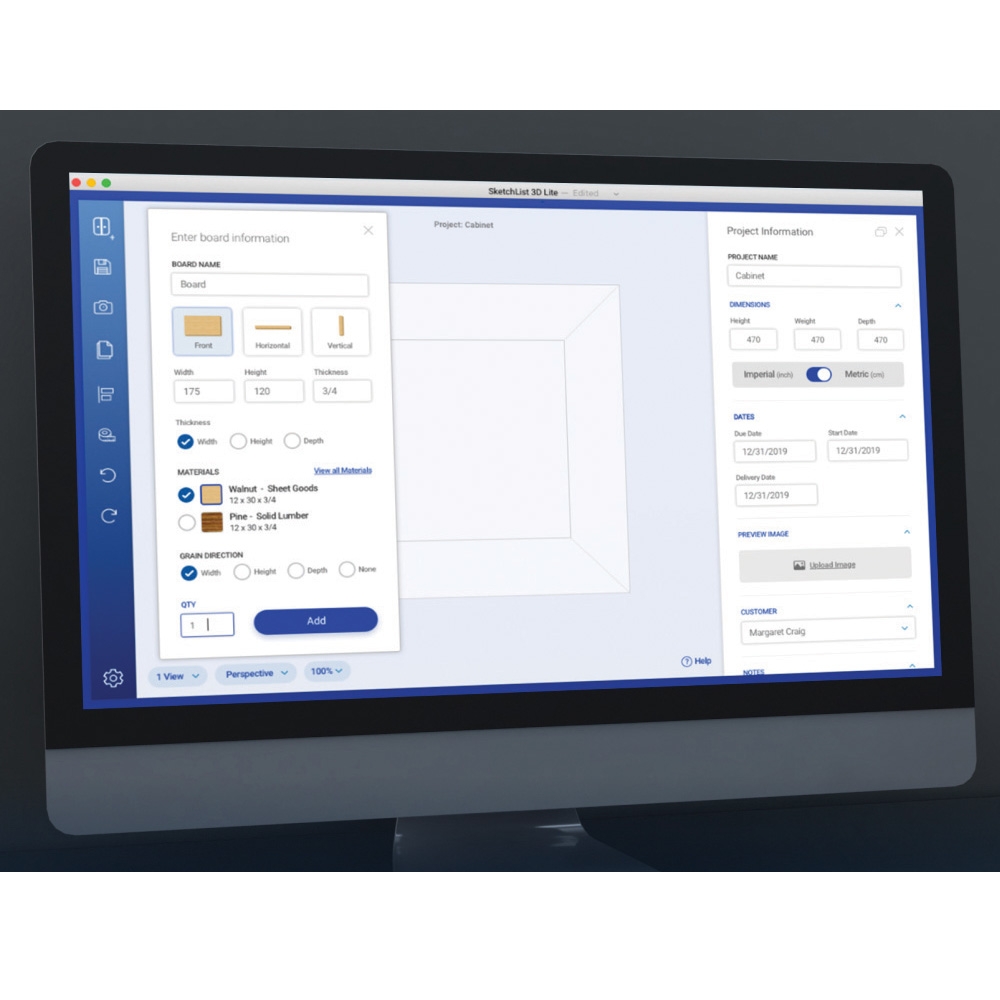
Whether you’re building a treehouse for the kids or custom cabinets for a client, SketchList 3D lets you draft it with striking detail, with detailed layouts, drawings and cut lists. It allows you to easily manipulate three-dimensional objects on your screen in a natural, intuitive way, assembling your cabinet much the way you would in your shop. This is the V5 Hobby version, featuring a redesigned customizable interface and more realistic project renderings. Hobby is the lite version of SketchList 3D Pro, perfect for DIYers and hobbyists who want ease and precision at a low cost. Create precisely dimensioned virtual boards with a few clicks, then drag and drop to the correct position, or copy and paste to duplicate the board on the other side. As your drafts rapidly come together, all required drawings and cut lists are updated in real time. Joinery, hole drilling, and contours are easy to integrate. Add tenons to the ends of your boards with a few clicks, and all relevant lengths are automatically updated on the cut list. Fast, flexible and easy-to-use, Sketchlist 3D Hobby will save you time, allow you and your customers to easily visualize your designs, and save money by eliminating mistakes and rework.
Features:
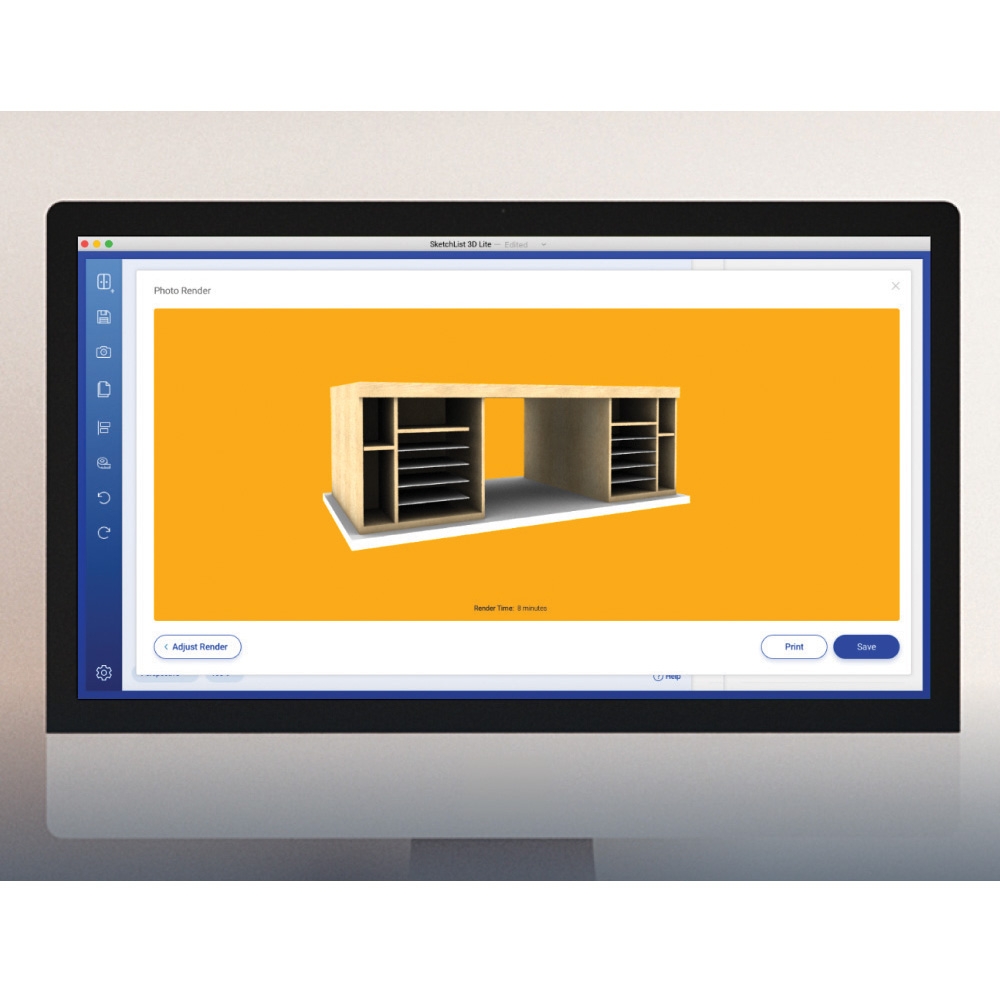
More realistic project renderings, object visuals, illustrations, and project previews
Customizable interface, side panels, and project views
Ability to import projects from V4
V5 Hobby version includes two types of joinery: miters and mortise and tenons
Add 2 types of contours to board edges: roundover and cove
Choose between two wood grain textures/colors
Customizable library of standard objects lets you easily drop in up to 10 frequently used parts
Use either imperial or metric units
Easily drag and drop to modify dimensions or position objects within your design
Blue dot corners let you drag to dimension, or copy and paste location values to butt boards together
Import/export functions let you easily share your designs with customers
Shape tool lets you cut angles and curves in your boards
Materials management lets you add and size materials as required
Draft complete assemblies, including doors, drawers, and hardware so you and your customers can visualize the final product
Batch move lets you move all parts in an assembly by a specified amount
360° 3D object rotation lets you see all sides of your design
Batch material change lets you experiment with different materials in your designs
Easily set up user interface as you like it and save that setup
2D dimensioned shop drawings
Add, clone, locate and drill holes, spacing them evenly over a span
Assembly merge function lets you blend the objects from two assemblies into one
Note: Hobby is the lite version of SketchList 3D Pro. All design capabilities found in SketchList 3D Pro are included in this version but there are limitations to the number of features and reports Hobby users can access.
WARNING:
Drilling, sawing, sanding or machining wood products can expose you to wood dust, a substance known to the State of California to cause cancer. Avoid inhaling wood dust or use a dust mask or other safeguards for personal protection. For more information go to www.P65Warnings.ca.gov/wood
(1) Downloadable SketchList 3D Furniture Design Software, V5 Hobby
(1) Downloadable SketchList 3D Furniture Design Software, V5 Hobby
Brand SketchList
More Information
Brand
SketchList
Tech Spec
Brand: SketchList
Manufacturer Part Number: SketchList 3D -V-5 Windows
Full-Design Capability: Yes
Perspective Views Limit: 2
Library Objects Limit: 10
Joinery Types: 2 included - Tenon, Miter
Contour Types: 2 included - Round over, Cove
Cut List: Yes
Shop Drawings: Yes
Grain Types: 2 included
Part List Generator: No
Import Images: No
Purchase List Report: No
Optimized Material Layout Diagrams: No
Export Data to Spreadsheet Format: No
Photo Rendering of Files: No
Export to CNC: No
Adobe PDF 3D Report: No
Software Keys Included: 1
Email Support: Yes
Windows Version Requirements:
Microsoft Windows 10, XP, Windows 7, or Windows 8 installed and configured on a PC
1.0 GHz processor (2.4 GHz recommended)
1 GB of RAM
200 MB of free hard disk space
Initial registration requires an Internet connection
Bug fixes are free and require an Internet connection
The SketchList V5 application may not run on a Windows Virtual Machine (VM) as it might experience rendering problems. The latest V5 release uses the updated Ogre3D rendering engine that requires at least OpenGL 3+ to operate. Some VMs may not support this required hardware.
Mac Version Requirements:
This runs on Catalina or Big Sur and requires users to run Mac OS 10.13 or higher to operate
1.0 GHz processor (2.4 GHz recommended)
1 GB of RAM
500 MB of free hard disk space
Initial registration requires an Internet connection

 My Lists
 Classes
 Learning Center


 WARNING:


