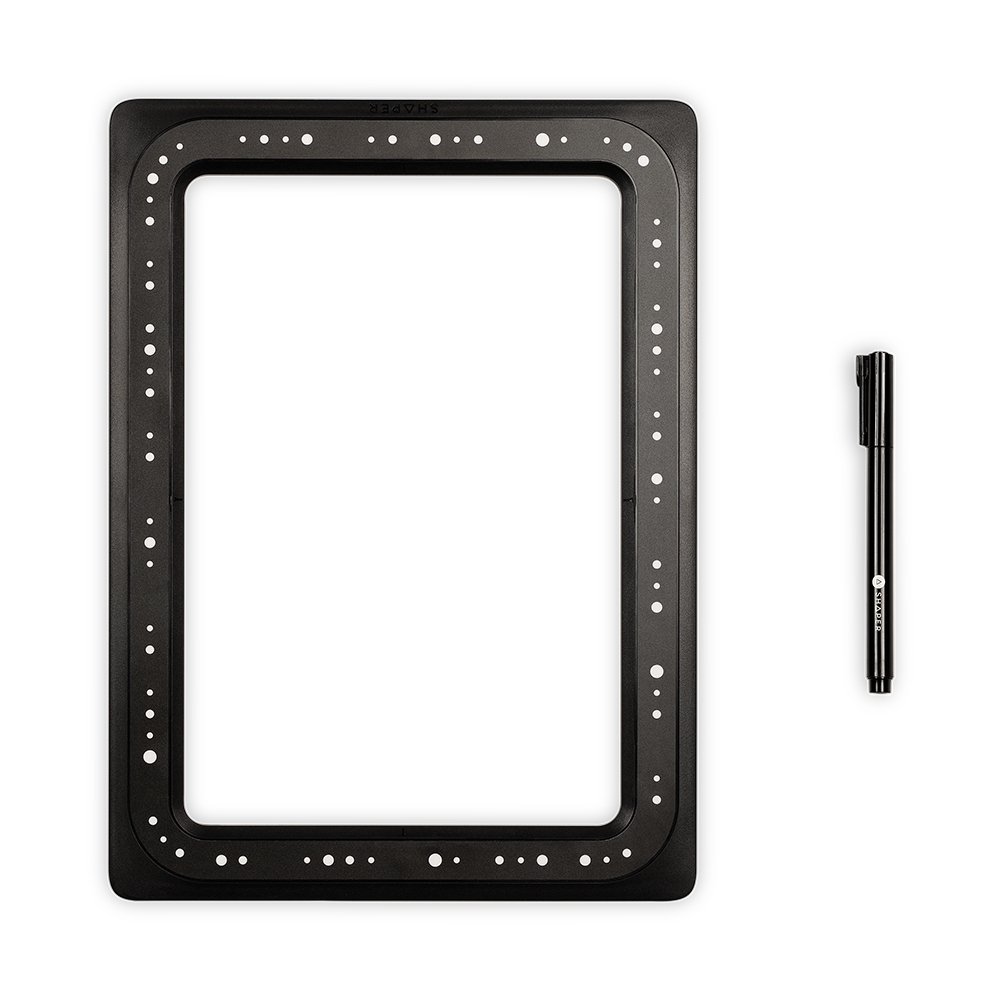
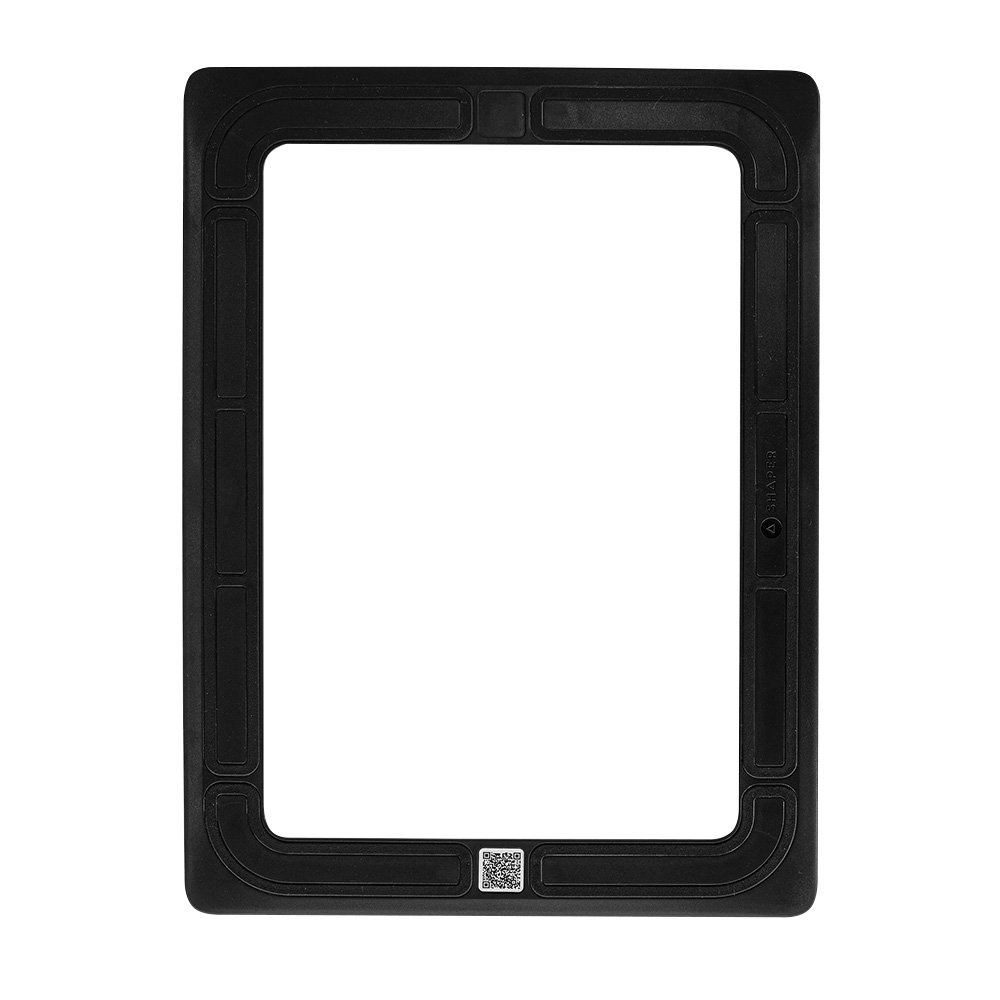
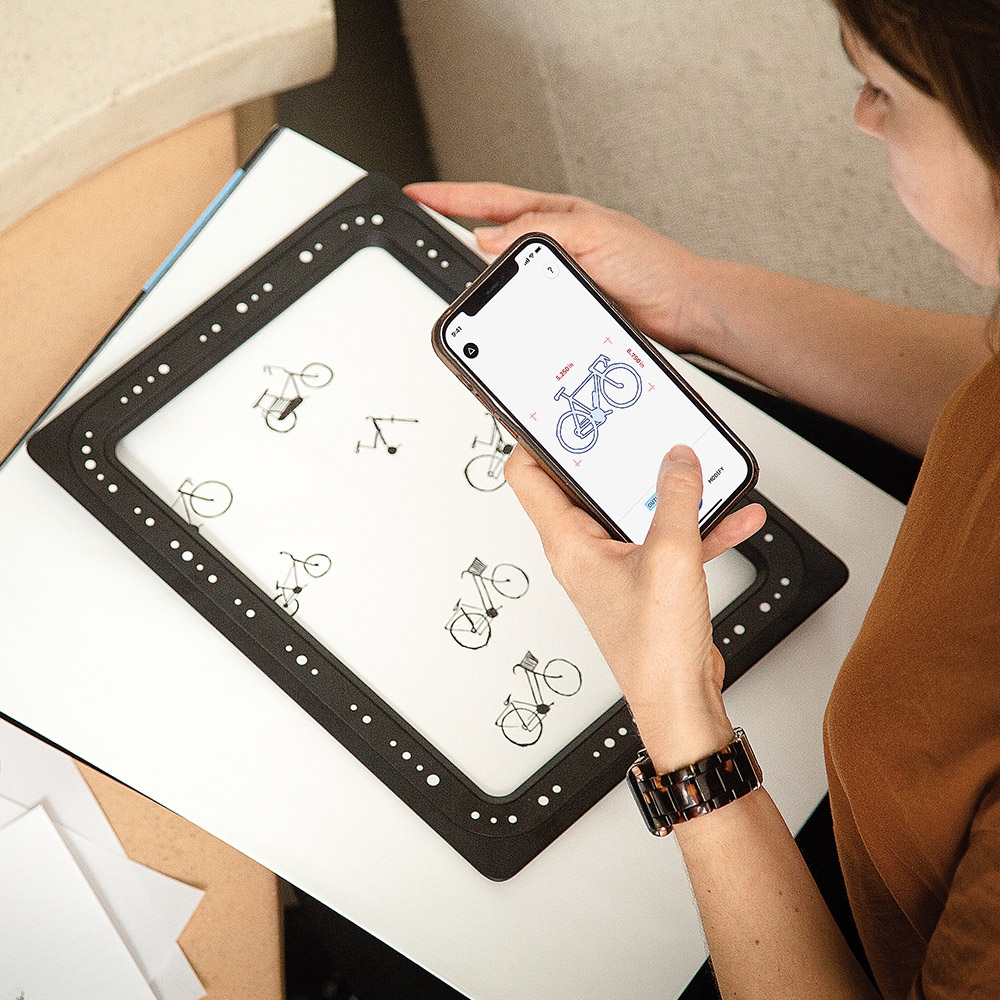
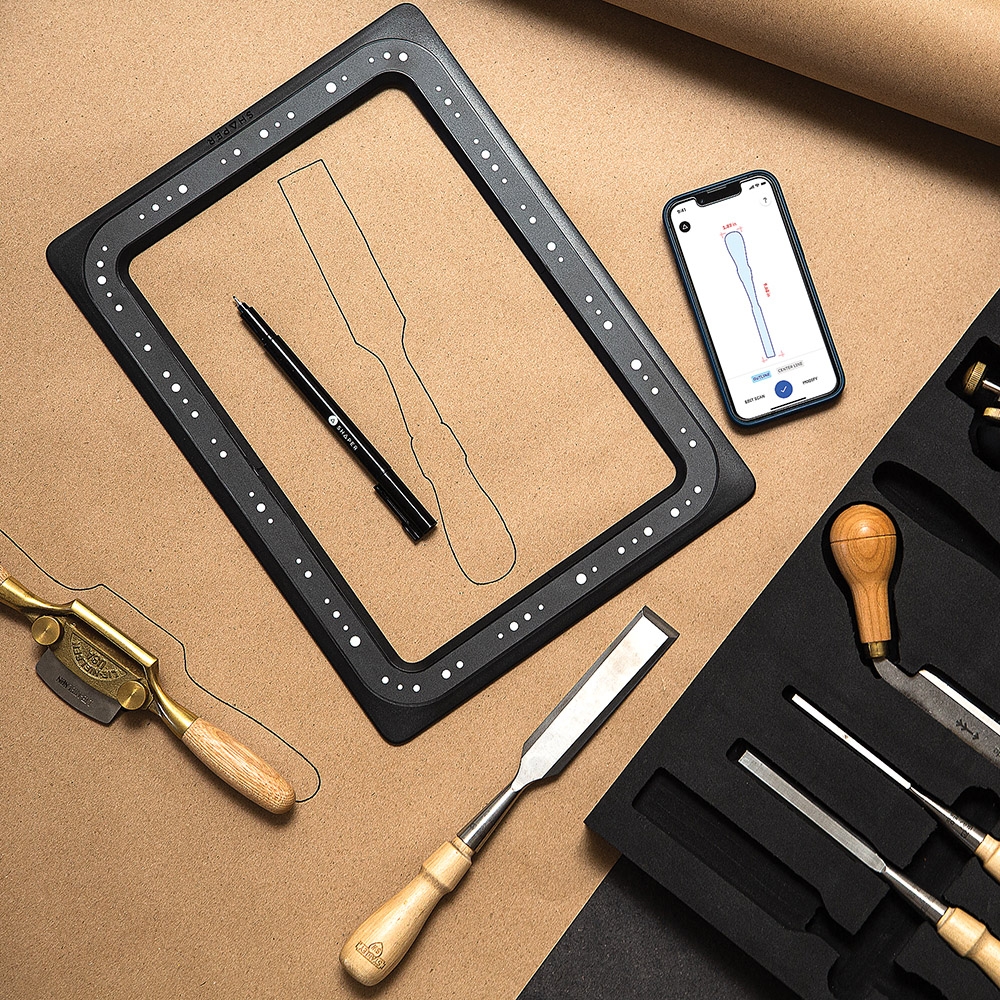
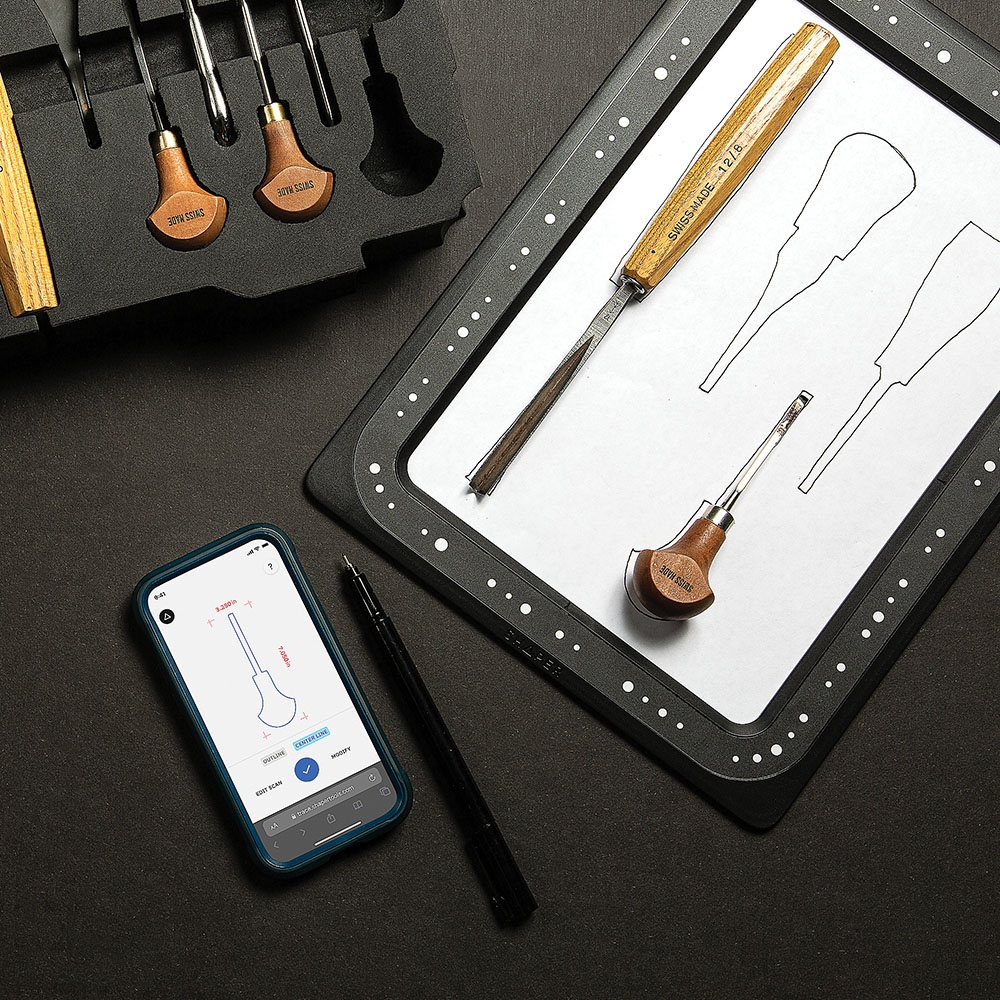
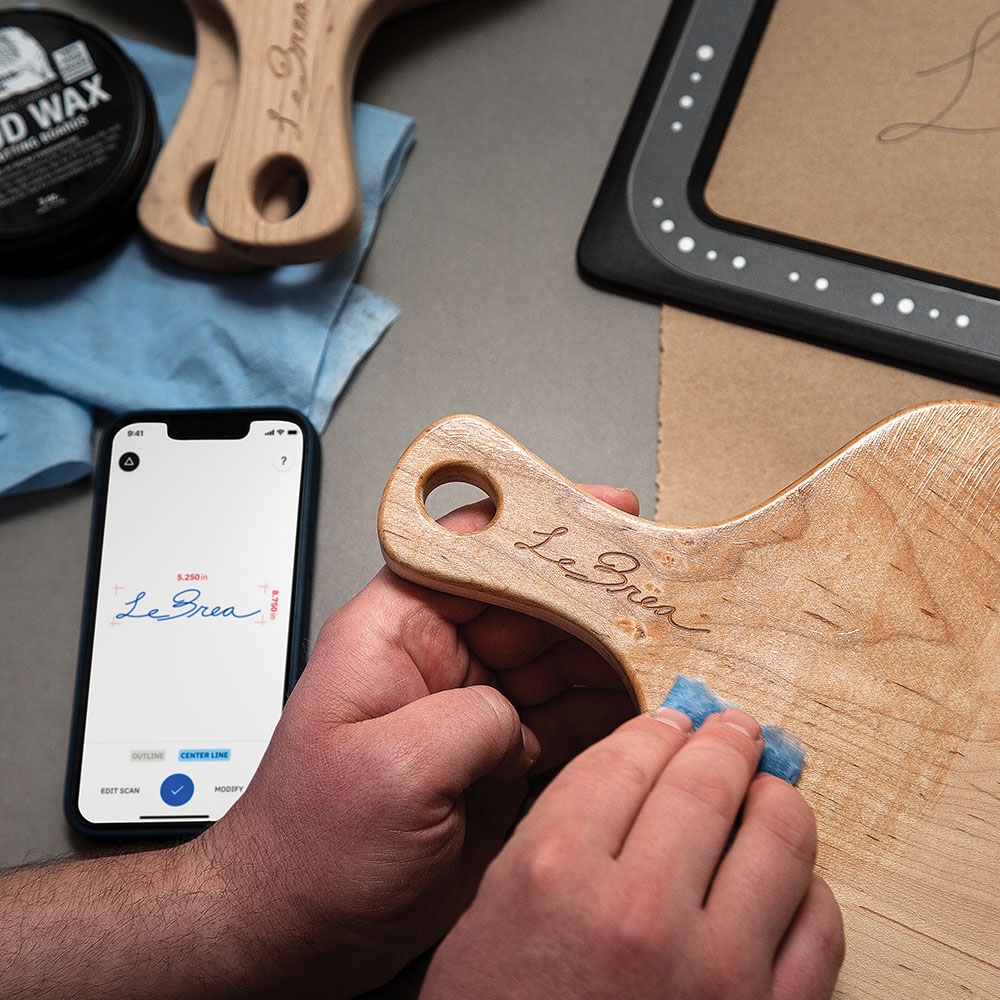
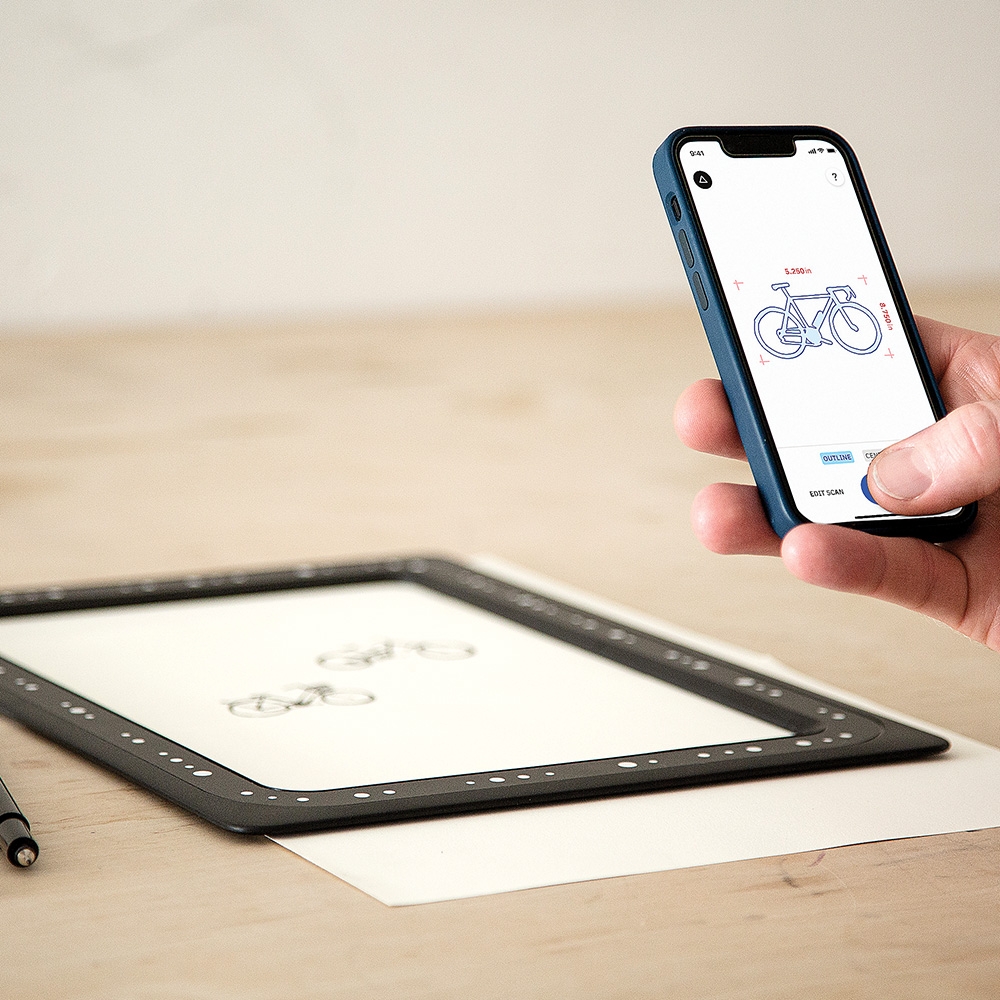
Shaper Trace is a drawing toolkit that allows you to turn any sketch or drawing into a vector graphic by simply taking a picture. Trace uses the camera on your mobile device, allowing you to capture your drawing at any angle without needing to be directly over the image. Trace automatically flattens the image, removing perspective distortion. Place the Trace Frame over your sketch and convert it into a Scalable Vector Graphic (SVG) with the Trace App, ready for fabrication using the tool of your choice, from laser cutters and vinyl cutters to CNC machines, Shaper Origin and more.
Shaper Trace SX1-AA Vector Graphic App and Frame Details:
Centerline or Outline: Trace finds the centerline of your sketch, providing a clean line that’s optimized for laser cutters, vinyl cutters, CNC machines and more
You get access to the Trace web application—no subscription required. Trace uses the camera on your mobile device, allowing you to capture your drawing at any angle
Access the app from any browser on your phone or tablet with a front-facing camera
Modify your drawings with the smoothing tool to adjust rough edges
SVG Selection: Choose just the parts of the capture that you want by using the Selection Tool